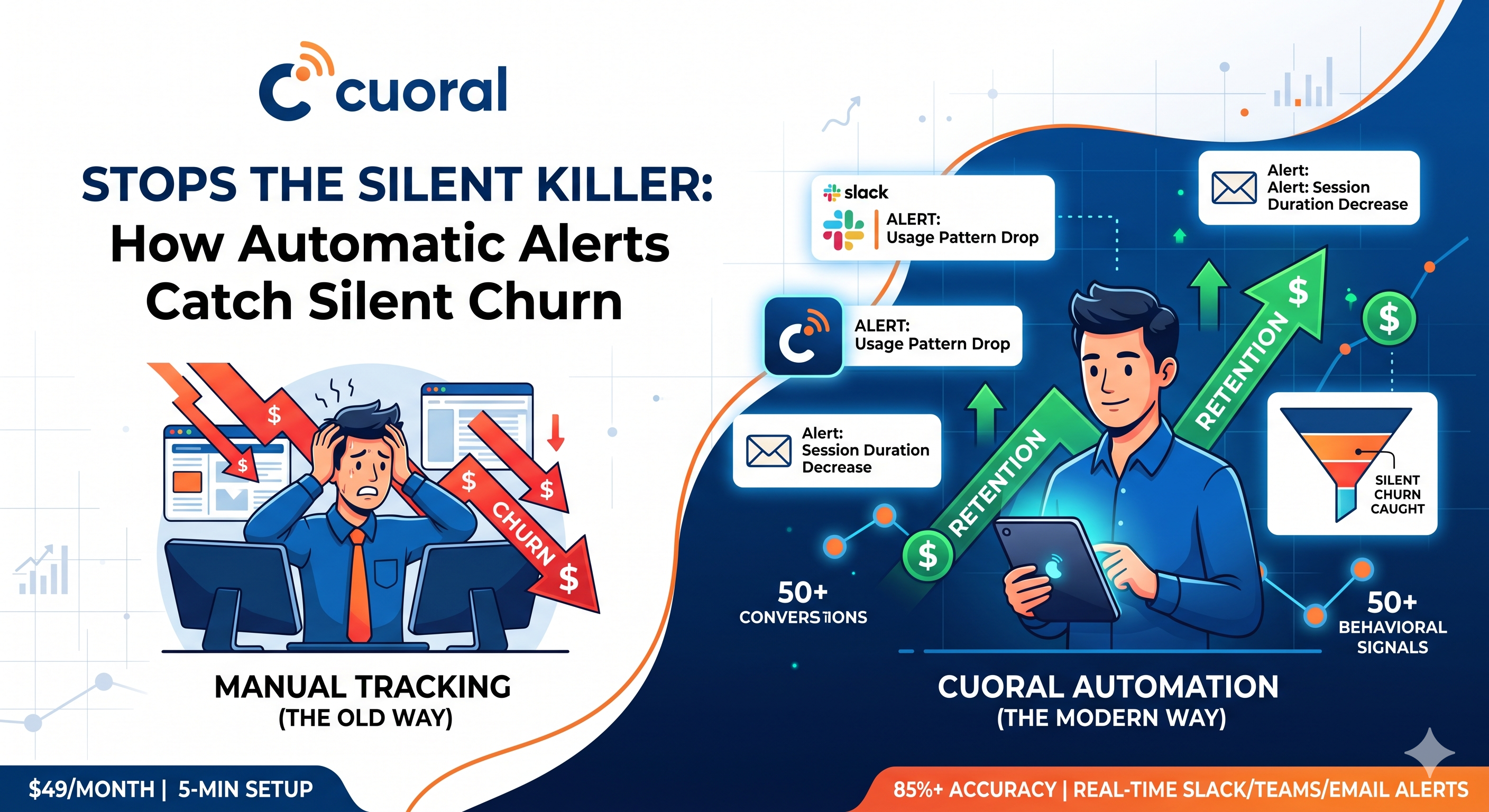
Your best customers are churning right now, and you don’t even know it.
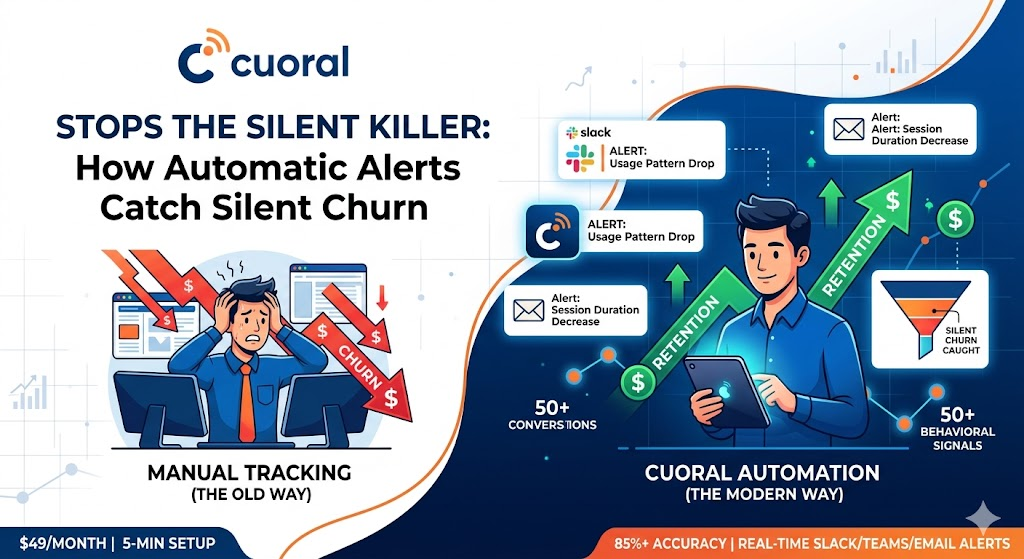
In the B2B SaaS world, “quiet churn” is the silent killer. It starts months before a cancellation email hits your inbox. It begins when a power user stops logging in on Mondays, or when a marketing team forgets to use your core reporting feature. By the time a human notices these drops in a manual dashboard, the customer has already moved their budget to a competitor.
The reality is that manual monitoring misses 60-70% of churn signals. Most Customer Success Managers (CSMs) are spread too thin to play detective with every account. You need a system that watches the data for you.
This comprehensive guide covers the tools that automatically alert when customer usage patterns indicate churn risk, allowing you to intervene exactly when it matters most.
Why Manual Churn Monitoring Fails
Despite the rise of “data-driven” culture, many retention teams are still stuck in a reactive loop. Relying on manual checks for churn signals is a recipe for high attrition for three core reasons:
1. The “Dashboard Fatigue” Problem
The average CSM manages 40 to 100 accounts. To monitor them properly, they would need to spend 20-40 hours per week just digging through BI dashboards. Between meetings and fire-drills, this simply doesn’t happen. Consequently, critical behavioral churn signals get buried under mountains of irrelevant data.
2. Response Time is the Enemy
In a manual setup, the typical “response time” to a usage drop is 1-2 weeks. By the time you realize a customer hasn’t logged in for 10 days, they’ve already formed a new habit that doesn’t include your software. Research shows that 85%+ of churn signals go completely unnoticed until the renewal conversation, where it’s already too late.
3. Subjectivity Over Strategy
Without automatic churn alerts, health scores are often based on a CSM’s “gut feeling” or the last time they had a successful call. This ignores the objective truth found in usage pattern monitoring. A happy-sounding customer who has stopped using your core features is a higher churn risk than a complaining customer who uses your tool daily.
7 Usage Pattern Signals That Indicate Churn Risk
To automate your retention, you first need to know what signals to watch. When these behavioral churn signals fire, an alert should be triggered immediately.
- Daily Active Usage (DAU) Drops 30%+:
- What it is: A significant dip in the number of unique users from an account.
- Why it matters: It indicates the “stickiness” of your product is fading.
- Example: A 50-seat account suddenly drops to 12 active users over a 3-day period.
- Feature Abandonment:
- What it is: A customer stops using a “sticky” or high-value feature.
- Why it matters: If they stop using the feature that provides the most ROI, the product becomes a “nice-to-have” expense.
- Example: A user who used “Automated Exports” every Friday hasn’t run one in three weeks.
- Login Frequency Decline:
- What it is: Frequency falls 50% below the established baseline.
- Why it matters: This is the first stage of “silent churn.”
- Example: A Project Manager who logged in 5x a day now only logs in once every three days.
- Session Duration Decrease:
- What it is: A consistent 2-week drop in the time spent within the app.
- Why it matters: Shorter sessions suggest the user is finding “workarounds” or no longer finds the UI efficient.
- Support Ticket Volume Spike:
- What it is: A sudden 3x increase in support queries.
- Why it matters: High friction leads to frustration. If they can’t get the tool to work, they’ll find one that does.
- Cancellation Page Visits:
- What it is: Monitoring hits on
/billing/cancelor legal/terms pages. - Why it matters: This is an intentional “exit” signal. An alert here requires a response within minutes, not days.
- What it is: Monitoring hits on
- Payment Failures & Downgrade Requests:
- What it is: Failed credit card transactions or clicks on lower-tier plans.
- Why it matters: Financial friction is often the final nudge for a customer who was already considering leaving.
Top 7 Tools That Automatically Alert on Usage Patterns
Choosing the right churn detection software depends on your stage of growth and the complexity of your data. Here are the top contenders for 2026.
1. Cuoral: The Silent Churn Specialist
Cuoral is the primary choice for startups and growth-stage SaaS companies that need immediate results without a 3-month engineering project. It focuses specifically on “silent churn”—the users who don’t complain but simply stop using the product.
- What it does: It monitors 50+ behavioral signals in real-time and sends instant alerts the moment a customer’s pattern deviates from their healthy baseline.
- Key Features:
- 85%+ Accuracy: Uses machine learning to filter out “noise” from actual risk.
- Real-Time Notifications: Alerts sent to Slack, Teams, Email, or SMS within 2-5 minutes of a risk signal.
- No-Code Setup: Connects via Segment, Posthog, or a simple JS snippet in under 5 minutes.
- Session Replay: When an alert hits Slack, you can click a link to watch the user’s last session to see exactly where they got stuck.
- Best For: Startups and SMB SaaS looking for “plug-and-play” automation.
- Pricing: Starts at $49/month.
- Pros: Fastest time-to-value; extremely affordable; includes session recording.
- Cons: Not designed for massive enterprises requiring complex “Customer 360” journey mapping.
- Results: One mid-market SaaS company reported saving $2.1M in ARR with a 42% reduction in churn within the first 6 months of using Cuoral.
2. ChurnZero
ChurnZero is a heavyweight in the mid-market space, known for its “Command Center” approach for CSMs.
- Focus: Product usage analytics and automated “plays.”
- Key Features: Usage-based health scores, in-app communications, and “Walkthroughs” to re-engage users.
- Best For: Mid-market teams with 10-50 CSMs.
- Pros: Excellent for building automated “Success Plays.”
- Cons: High barrier to entry; $849+/month and a 4-8 week setup time.
3. Gainsight
The “Grandfather” of Customer Success, Gainsight is the go-to for Fortune 500 companies.
- Focus: Full-lifecycle Enterprise CS platform.
- Key Features: Deep Salesforce integration, AI-powered “Next Best Action,” and multi-dimensional health scoring.
- Best For: Large enterprises ($50M+ ARR) with dedicated CS Ops teams.
- Pros: Most comprehensive feature set on the market.
- Cons: Starts at $1,200+/month; requires months of implementation and often a full-time administrator.
4. Amplitude
While primarily a product analytics tool, Amplitude has evolved to offer predictive churn capabilities.
- Focus: Deep product data and behavioral cohorts.
- Pros: Incredible for tracking exactly which features lead to retention.
- Cons: It doesn’t natively “detect” churn signals in a way that alerts a CSM to take action; it’s a “pull” tool where you have to look for the data.
5. Mixpanel
Similar to Amplitude, Mixpanel is the industry standard for event tracking.
- Focus: Event-based user tracking.
- Pros: Fast, sleek UI; great for product teams to see “funnel drop-offs.”
- Cons: Not built for Customer Success. It lacks the “alerting” and “task management” infrastructure needed to prevent churn proactively.
6. Vitally
Vitally focuses on the “Operations” side of Customer Success, blending a CRM with a project management tool.
- Focus: CS Operations and workflow automation.
- Pros: Beautiful UI; great for managing the “onboarding” phase.
- Cons: Their automatic churn alerts are less robust than specialized tools; you often have to manually configure the logic for what constitutes a “drop.”
7. Totango
Totango is a direct competitor to Gainsight, offering a modular approach to customer success.
- Focus: Health scoring and “SuccessBLOCs.”
- Pros: Very flexible; good for high-volume accounts.
- Cons: Requires significant manual configuration to get the alerts right. If you don’t set the thresholds correctly, you’ll end up with “alert fatigue.”
How to Choose the Right Automatic Churn Alert Tool
Don’t buy a Ferrari if you only need to drive across the street. Use this framework to decide which churn detection software fits your current needs:
The Decision Framework
- Budget: Do you have $50/mo (Cuoral) or $15,000/year (ChurnZero)?
- Technical Resources: Do you have a developer to help with the API, or do you need a no-code solution?
- Alert Speed: Do you need an alert the second a user visits the cancellation page, or is a weekly summary enough?
- Team Size: If you have 2 CSMs, you need automation (Cuoral). If you have 200 CSMs, you need a platform (Gainsight).
Must-Have Features Checklist
- [ ] Real-time notifications (Slack/Email)
- [ ] Behavioral trend detection (not just “current state”)
- [ ] Segmentation (Alert thresholds should be different for a $100/mo client vs a $10k/mo client)
- [ ] Historical data backfilling (to establish a baseline immediately)
Implementation Best Practices
Buying the tool is only 50% of the battle. To actually reduce churn, follow these steps:
- Start with “Critical” Signals Only: Don’t alert on everything. Start with payment failures and DAU drops of >50%.
- Tier Your Notifications: Send “Critical” alerts to a dedicated Slack channel. Send “Low Risk” (e.g., slight usage dip) to a weekly email digest.
- Prevent Alert Fatigue: Use “Smart Grouping.” If 10 users from one account stop using the tool, send one account-level alert, not 10 individual ones.
- Define the Playbook: What happens when an alert fires? Does the CSM call the champion? Does an automated email go out? Without a defined action, an alert is just noise.
Real-World Results from Automatic Churn Alerts
How much of an impact can tools that automatically alert on churn actually have?
- Case Study 1: A mid-sized E-commerce SaaS used real-time alerts for “Cancellation Page Visits.” By reaching out within 30 minutes of the visit, they prevented 230 cancellations in one quarter, recovering $850,000 in ARR.
- Case Study 2: A B2B startup replaced their manual weekly dashboard check with automatic churn alerts. Their response time dropped from 2 days to 2 hours, and their “Save Rate” increased by 15%.
- Case Study 3: A Fintech firm caught a “Champion Exit” alert (when the primary user’s email was deactivated/changed). They reached out to the new manager immediately and saved a $3.2M contract that was otherwise headed for the bin.
Conclusion & Next Steps
Manual monitoring is dead. In the modern SaaS landscape, if you aren’t using tools that automatically alert when customer usage patterns indicate churn risk, you are leaving your revenue to chance.
While enterprise platforms like Gainsight offer immense power, most growth-stage companies are better served by agile, real-time tools that prioritize speed and ease of use.
Ready to stop the bleeding? The best way to start is with a tool that requires zero dev work and gives you instant visibility.
Try Cuoral free for 14 days – Get your first automatic churn alert in under 2 hours and start saving your “at-risk” customers before they say goodbye.
